
TL;DR Someone asked if the GitHub Copilot app for Beginners course was AI generated. Short answer: humans drove the process, and AI played an important role. Here’s the mix, our process, plus the parts we still won’t hand over.
We launched the GitHub Copilot app for Beginners course yesterday:
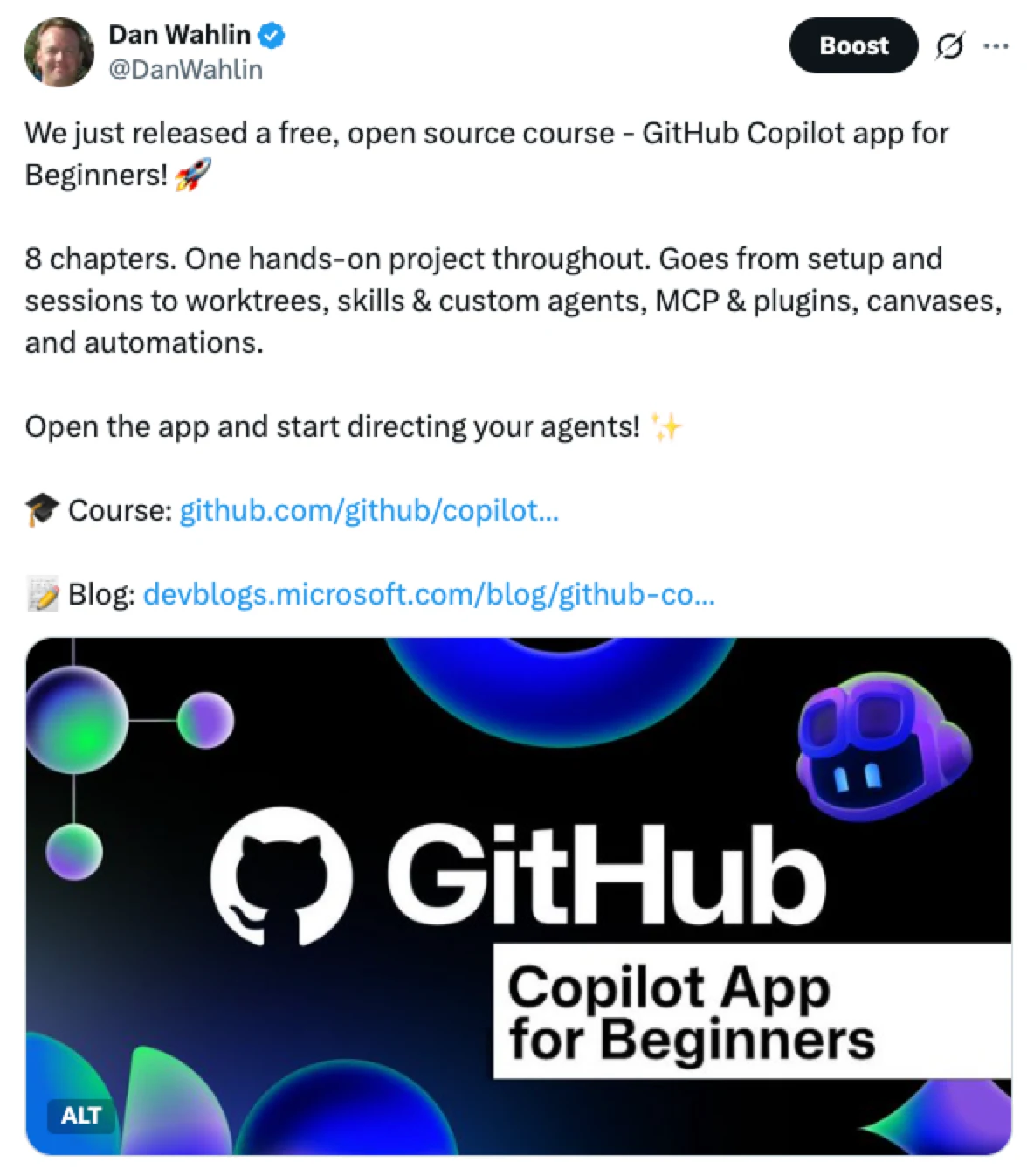
Someone reached out to me and asked if the course was AI generated or if actual humans were involved. A valid question in today’s AI world, so I thought I’d share the full process we used to build it.
Short answer: Actual humans were heavily involved, but AI played an important role.
Humans owned the ideas, teaching strategy, quality bar, and final call. GitHub Copilot (the app and CLI), assisted by a few custom skills, handled scaffolding, reviews, images, screenshots, and a lot of the grunt work that would have taken a ton of time by hand.
Agents were great at doing the work, but humans still needed to decide what good looked like.
Here’s how the process worked.
1. Ideas: 100% human
The overall topics used throughout the course came from humans, although we ran the ideas through AI to debate and improve them. We knew what we wanted to teach, the level we wanted to teach it at, and the progression learners should follow. Getting a solid outline in place that we knew was valid was an important part of the process.
The recording studio theme used throughout the course came from a human. Concepts used for local and remote agentic workflows, the canvas app concept, automation concept, and many others were also human ideas.
We used AI to help us build those ideas out, refined them many times with humans in the loop, went through the steps ourselves, and eventually got to a point where we were happy with the quality.
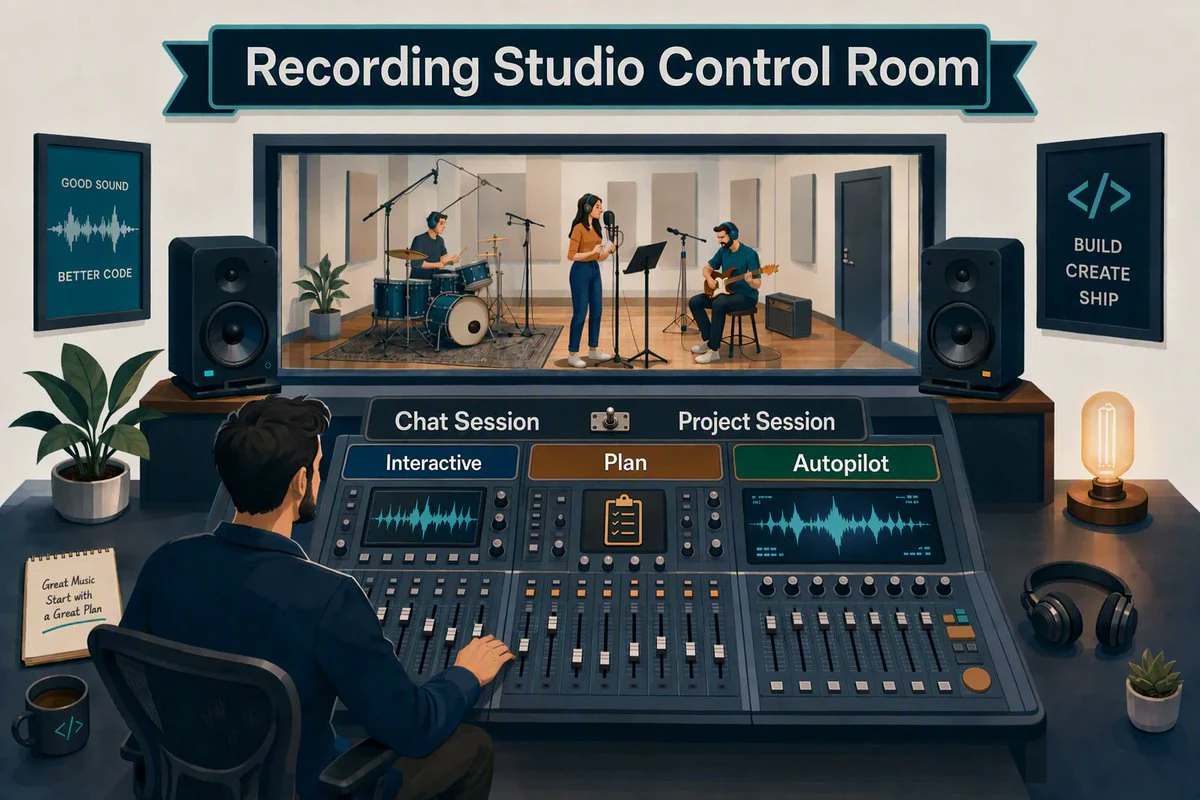
A recording studio theme is used throughout the course to help learners visually understand various concepts.
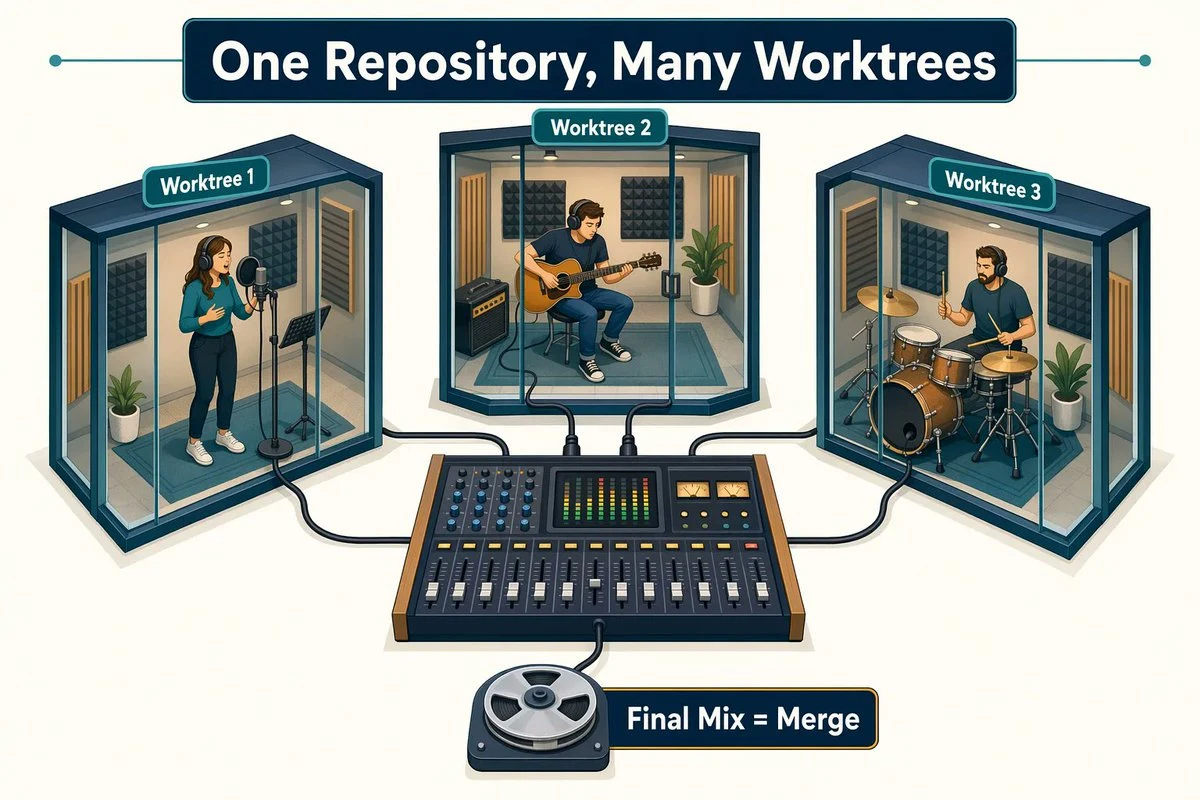
Visually explaining worktrees.
If the idea is wrong, every chapter after that gets expensive.
That’s why this part never went on autopilot.
2. Chapters: Human + AI
Once the outline was in place, we used GitHub Copilot (Copilot app and Copilot CLI were both used) to scaffold an initial foundation based on a template we already trusted: the GitHub Copilot CLI for Beginners course that we released back in March.
We asked GitHub Copilot to read through the outline and create the initial markdown files based on that template and existing docs.
I don’t like walls of text, so we also asked GitHub Copilot to find locations in the markdown where visuals would help illustrate points and enhance learning. I’ll say more about the images in the next section but here’s an example of one of the images.
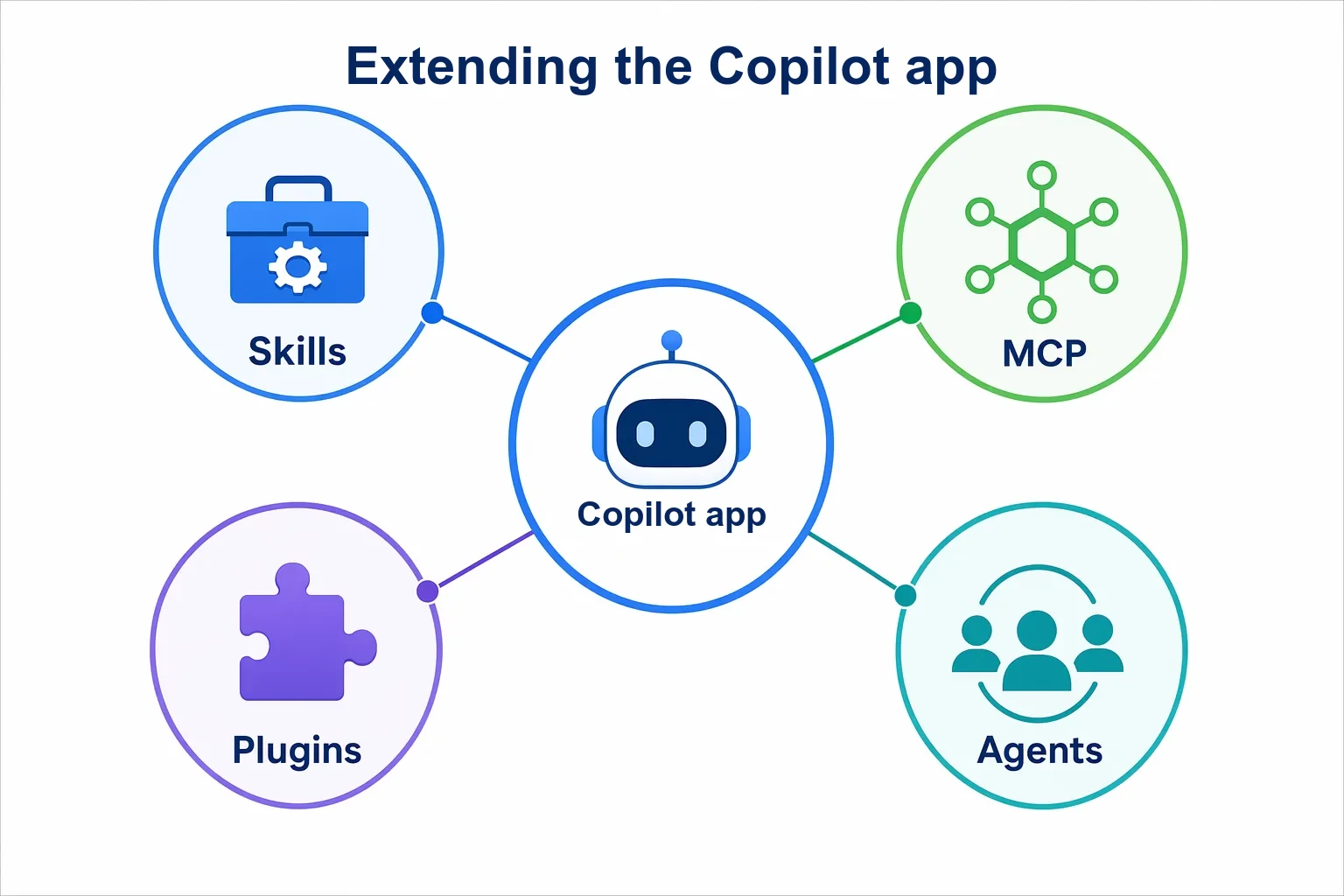
We have a student-review skill that was used over and over to evaluate the flow throughout chapters, in addition to human reviews. Did the chapter explain concepts properly and at the right level? Did topics flow well from section to section? Did the content match up 100% with the actual features in the app? Those and many other questions were constantly evaluated.
There was a lot of human interaction and input in this phase. This wasn’t a scenario where we could put the course on autopilot, let an agent build it, and hope everything was right.
Once we had the initial scaffold in place, we used a humanizer skill to make the AI-generated parts read more… human. There were also many places where text was written manually, where a human decided to use bullet points instead of a paragraph, where explanations needed to be reworked, and so on. It was a good mix of human + AI.
We also used AI to validate hyperlinks, ensure we had no broken images, discover terms that we missed adding to the glossary, and handle other tasks that AI is really good at. That saved a lot of time.
The course is new and issues will certainly be found, but AI caught a lot of things that a human could easily miss.
3. Images: Human + AI
We used a technical-image-generator skill I built to generate the visuals that support the content. The skill used gpt-image-2 (we’re now using gpt-image-2.5-sunburst) in Microsoft Foundry to create the images.
While the process works well, there was a lot of human interaction required because everyone on the project is very picky and needs the visuals to hit a certain quality bar. A lot of back and forth was required to get what we wanted.
Here’s an example of the type of image we were after. Simple and clean while getting the point across.
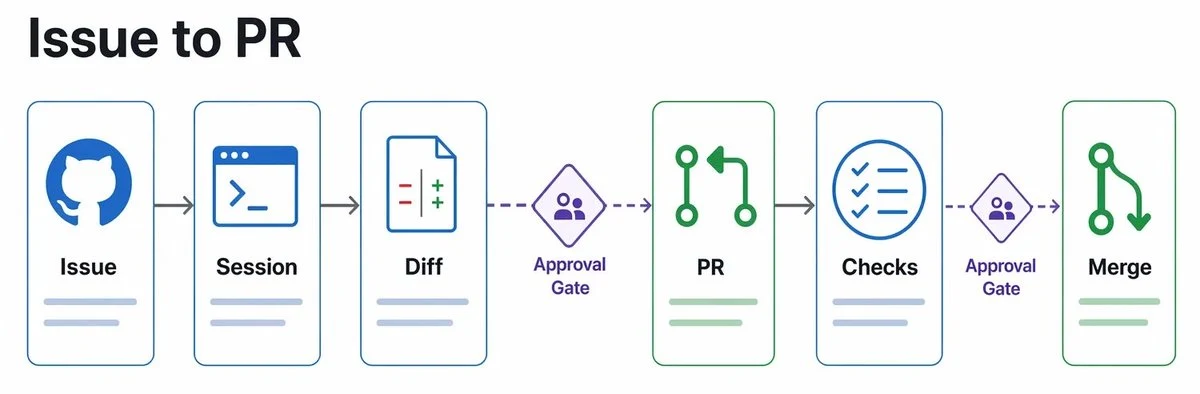
Example image from the course.
Sometimes the images were too busy and not as clean and crisp as we wanted. So while AI was extremely helpful in this area, there was still a lot of human interaction required.
A github-copilot-app-automation skill was created to automate grabbing screenshots from GitHub Copilot app that are used in the course. It loads the app at a specific 1080p resolution, zooms in a few times, uses computer use with GitHub Copilot app (yes, the app helped build its own course) to get the scenario set up, and then grabs the screenshot. Another process replaces real usernames with a generic “Copilot Dev” name.
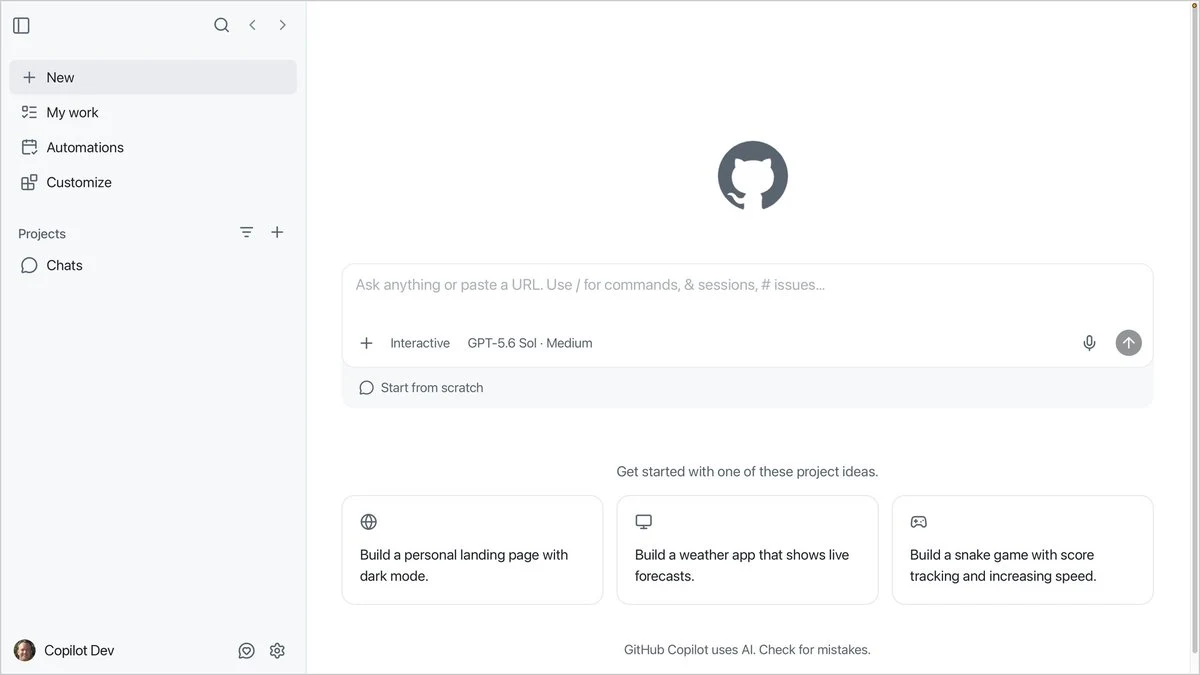
Screenshot generated from a skill used in the project.
This has become one of the most useful skills for the course because the app UI changes from time to time, and we can now (mostly) automate getting the screenshots the course needs.
There are still a few issues that pop up. Computer use is getting much better, but it’s far from perfect. Still, it’s a major time saver and replaces something that would require a lot of human time to do manually.
Another great use case for AI.
4. Reviews: Human + AI
Earlier I mentioned that we have a student-review skill that was used to go through each chapter as a learner would and find issues. While this was very helpful for discovering issues early, we reached a point where going through the course as a human was still essential.
There’s simply no substitute for humans in this type of scenario. At least not yet.
I’m also a big fan of cross-harness reviews. While GitHub Copilot did the primary AI work, we ran content through /rubber-duck reviews in Copilot (a multi-model review feature available in GitHub Copilot), Claude, Grok, and Codex.
The goal wasn’t to assume that agreement between models meant something was correct. It was to get additional signals and reduce the chance that one model’s blind spot became ours.
Sometimes the models agreed. Sometimes they didn’t. Either way, a human reviewed the feedback, tested what needed testing, and made the final decision.
5. What we still won’t hand to an agent
We didn’t let agents invent the curriculum, decide the teaching level, ship a visual because it was close enough, declare a chapter done because a review skill said it looked good, or break a tie between models.
Agents can draft, check, generate, and grind. What they don’t always have is good “taste.”
Is this explanation actually clear? Is this visual too busy? Does this chapter feel right for someone learning the topic for the first time? Is something technically correct but still a bad way to teach it?
That’s where the human role remained extremely important.
AI dramatically reduced the cost of execution. It didn’t eliminate the need for judgment.
6. The pattern worth stealing
If you’re building a course, docs, or any long-form learning material, this is the mix that worked for us:
-
Humans lock the idea and the outline.
-
Agents scaffold from a template you already trust.
-
Skills handle the repetitive work (reviews, links, screenshots, glossary, and more).
-
Humans walk the path a learner will walk.
-
Multiple models provide additional review signals. A human makes the final call.
-
Nothing ships because “the agent said it was fine.”
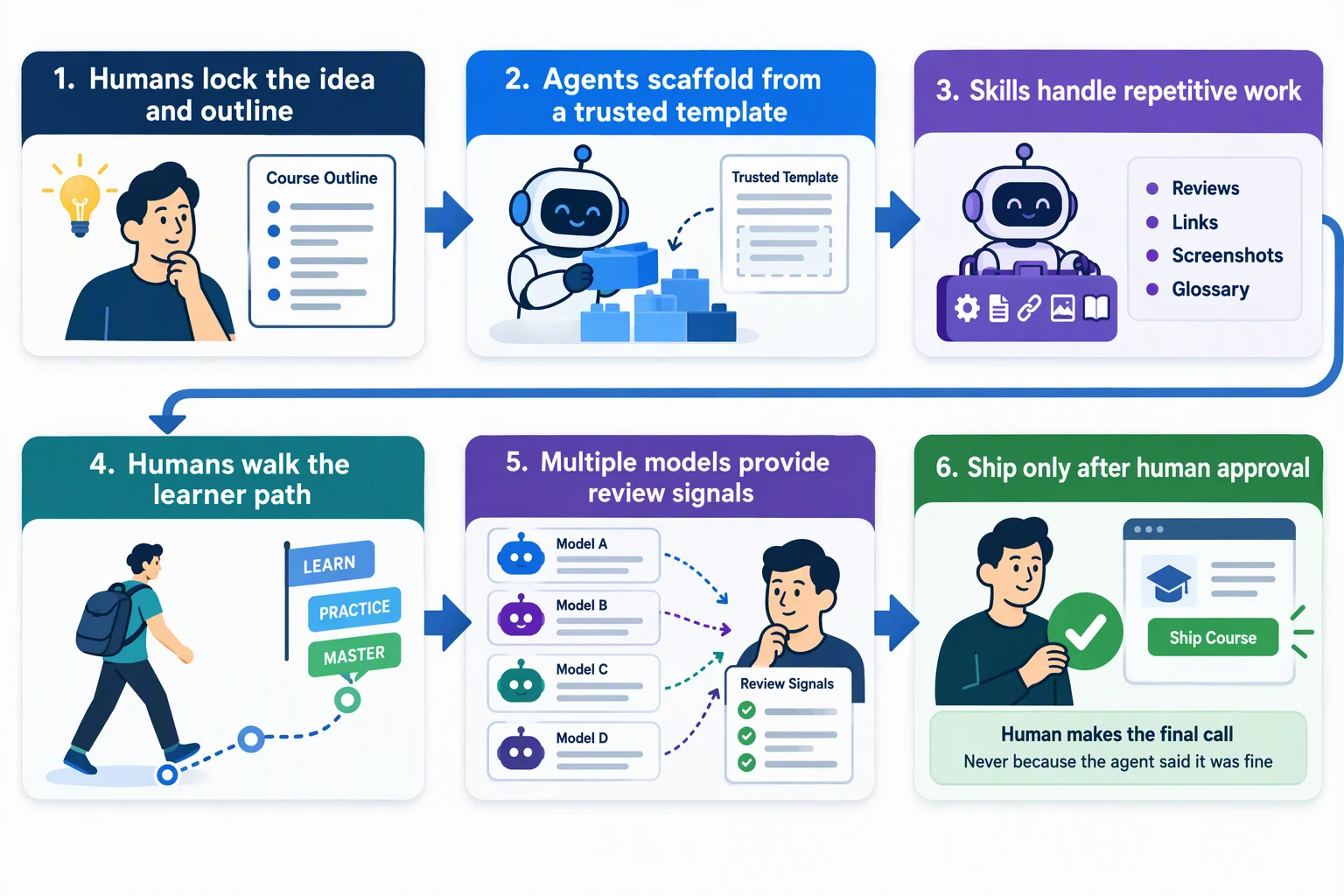
“Was it AI generated?” is a great question to ask.
But I think a more useful question going forward is:
Where did the human stay in the loop, and where did the agent actually save time?
And there’s another question I’m increasingly interested in:
How will an agent help maintain what we built?
This is the first release and we’ll certainly find issues along the way (I did mention that humans were involved 😄), but AI has been a massive productivity boost and allowed us to deliver the course much faster than we could’ve on our own.
We’ve learned a lot along the way and will continue pushing the human + AI loop with future projects.
Course: GitHub Copilot app for Beginners
Blog post: GitHub Copilot app for Beginners
You might be wondering if this article was AI generated? Nope! I wrote it 100% by hand and then used AI to help refine some of the phrases and overall flow. The cover image for the article was AI generated.
Where do you still refuse to take your hands off the loop? I’m interested in hearing your personal stories around this overall concept and how you integrate humans with AI.